
To encrypt data on your Mac I suggest to exploit the potential of the OS platform. A goof alternative to use FileVault (that protects the home folder encrypting it) is utilize Disk Utility to create a disk image with 256-bit encryption.
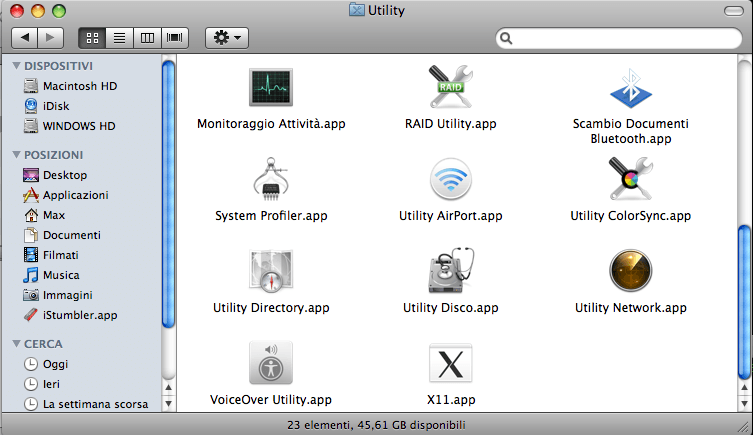
Open Utilities folder and run Disk Utility:
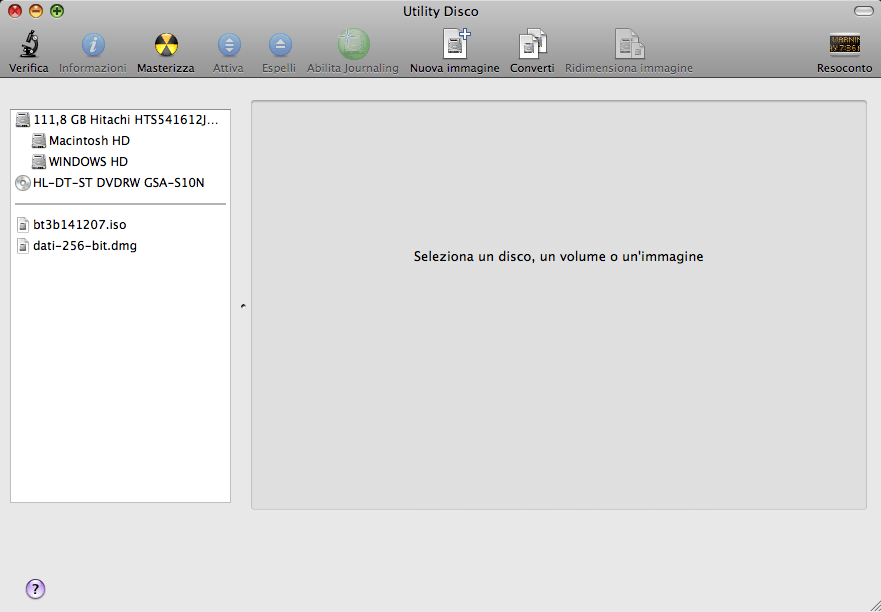
Select New Image
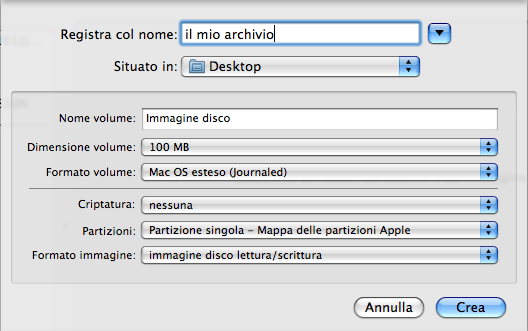
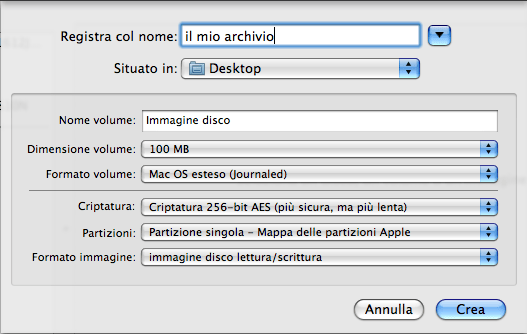
choose the name, location and size of the image, then select the desired type of Encryption:
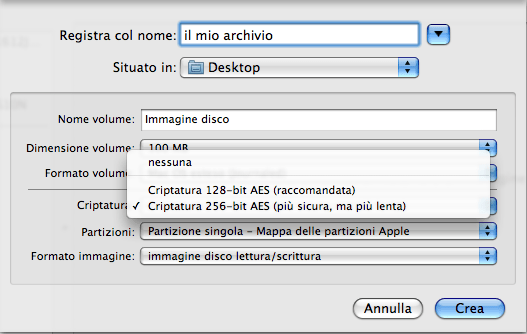
I suggest to use 256-bit AES, because with a dual core processor there is no problem of slowness:
Then choose the password easy to remember A window will indicate to you its strength:
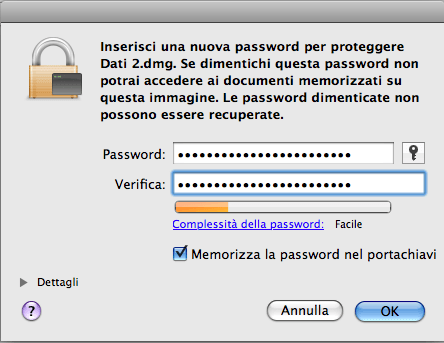
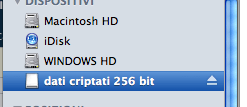
The program will make an encrypted dmg file.
To access your data type click on dmg file and insert your password:
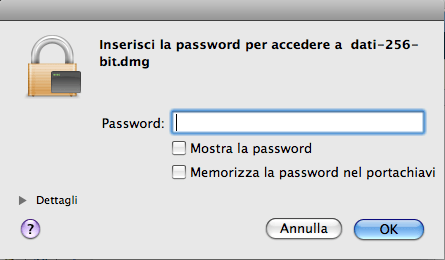
I suggest to don’t save it the keychain.
Lascia un commento
Devi essere connesso per inviare un commento.